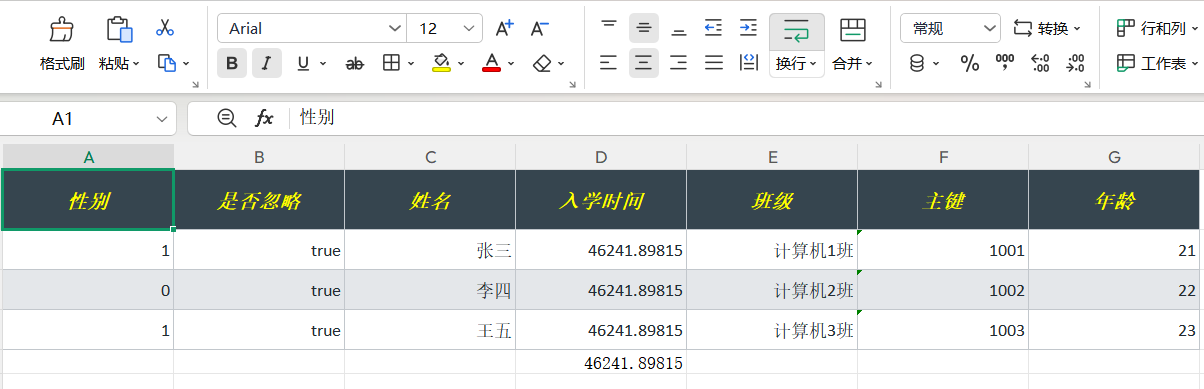
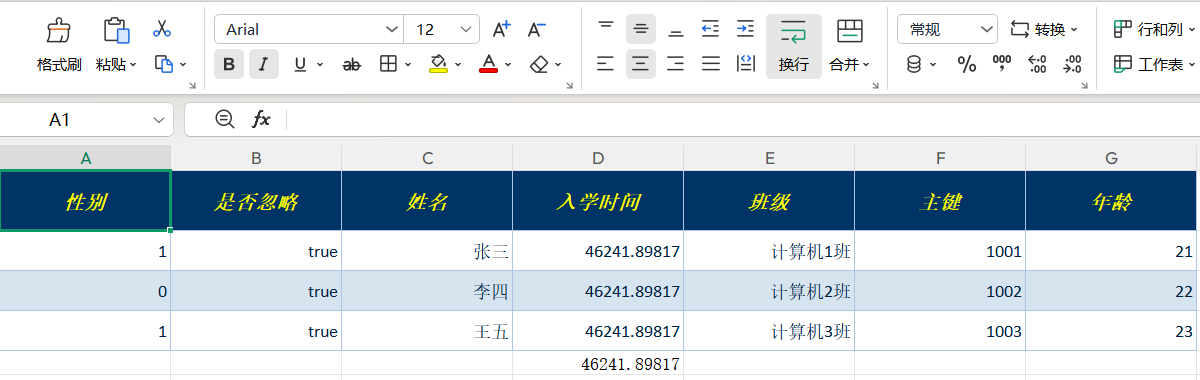
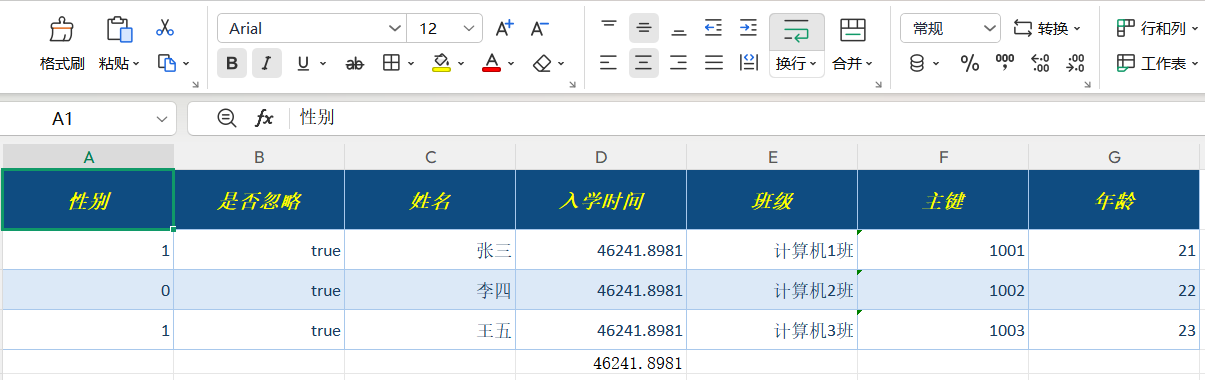
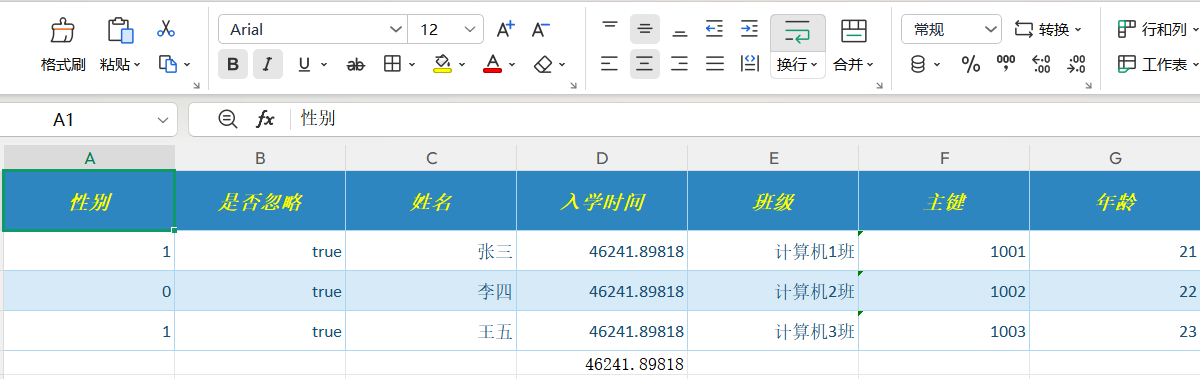
Generate chart-rich Excel reports in pure JavaNo hand-written Workbook — mapping, formulas and charts all live in one XML file
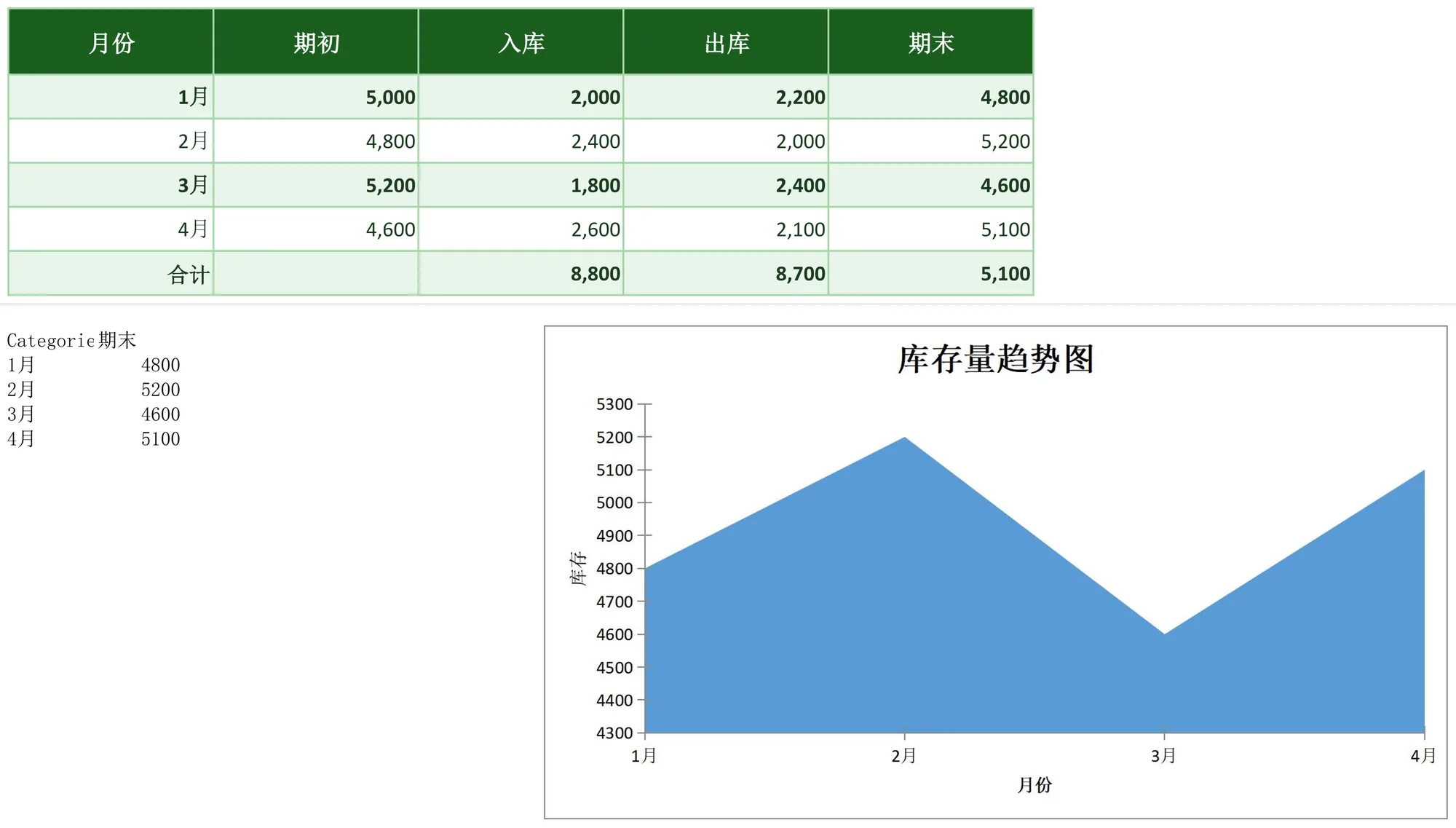
One EXPORT WITH DSL block declares column mapping, number formats, rolling closing-stock formulas, total-row styling and a 3D area chart. On the Java side you build your data, obtain a strongly-typed service proxy and call one method — the framework drives Apache POI underneath, with xls/xlsx dual format, streaming export and 42 built-in themes out of the box.
service.exportInventoryTrend("field", "value"); // 图表、公式、样式全在 XML 里
Imports and data-construction helpers omitted; the service interface is proxied from the XML namespace, and each method name matches an excel entry in the XML.
XMLThe rule declaration behind the same output (XML DSL excerpt)
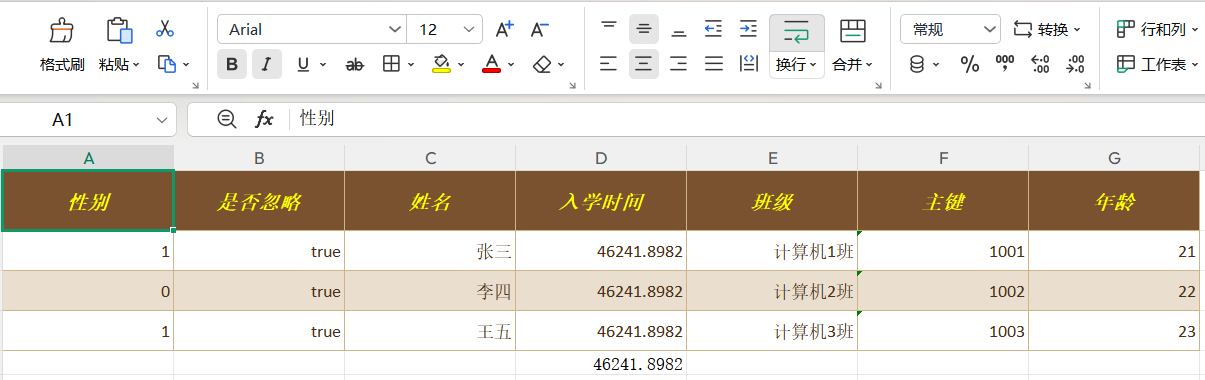
Mapping, formats, row-by-row rolling-balance formulas, total-row highlighting and the line chart are all declarative. This DSL is the complete rule set behind the screenshot above — download the raw file and use it as-is.
The same inventory report in hand-written Apache POI
Apache POI is an excellent low-level library and JQuick-Excel is built on top of it — the table compares how much code you write, not what is possible.
Aspect
JQuick-Excel
Hand-written Apache POI
Getting started
One EXPORT WITH DSL block for the whole sheet
Build Workbook / Sheet / Row / Cell by hand, layer by layer
Mapping & formats
One MAPPING line plus one FORMAT line
setCellValue per column and manual DataFormat creation
Formulas & totals
FORMULAS declares per-row formulas and SUM totals
setCellFormula per cell while tracking row numbers yourself
Charts
One GRAPH DSL block, 10 chart types
Assemble axes, data references and series with XDDF by hand
Validation
20 built-in rules scoped to row / column / cell
Implement validation logic and error reporting yourself
Themes & styles
42 built-in export themes, referenced by name
Hand-write CellStyle or maintain your own template files
Large files
Streaming export and batch consumption built in
Switch to SXSSF yourself and manage sliding windows and style caches
It is Apache POI underneath: JQuick-Excel folds the repetitive boilerplate into one XML file without giving up any POI capability. Both are Apache-2.0 and coexist happily.
JQuick-Excel is a lightweight Java framework for importing and exporting xls and xlsx workbooks. It combines XML service definitions with a declarative DSL to express field mapping, type conversion, data validation, formulas, styling, merge aggregation, charts and footers in one unified way.
XML definitions keep Excel rules aligned with the service contract: Java callers create a service proxy from the definition, then pass business data, streams and context values into the import or export operation. The framework does not mandate Spring — plain Java projects and Spring Boot projects use the same API. It is built on Apache POI, runs in pure Java, and can be used on Windows, Linux, macOS and domestic (Xinchuang) operating systems.
The external dependency jquick-transform-function also provides additional functions such as formatDate and translate through Java SPI; these functions can only be used in TRANSFORM after that dependency is explicitly introduced.
Purpose: applies data validation rules to specified ranges before the import results are consumed.
Accepted values: declared in the form “range + rule block”; inside a rule block you can configure required, msg and map:
required: whether the value is required (boolean).
msg: custom message used when validation fails; when not provided, the rule’s default message is used.
map: the parameter set required by the rule itself, such as upper/lower bounds or a format pattern.
Validation range syntax:
Range
Meaning
Example
Row
A single row or a row interval
ROW 5, ROW 1..10
Column
A single column or a column interval
COL A, COL A..D
Cell
A single cell
C1
Rectangular region
A rectangular cell region
A1:B5
Built-in validation rules (20 in total):
Rule
Purpose
Common map parameters
boolean
Validates boolean values
——
date_format
Validates date string format
format
max_date
Validates the upper date bound
format、maxDate
min_date
Validates the lower date bound
format、minDate
integer
Validates integers
——
decimal
Validates decimals
——
max_value
Validates the upper numeric bound
maxValue
min_value
Validates the lower numeric bound
minValue
dict
Validates dictionary membership
Dictionary key-value pairs
email
Validates email addresses
——
mobile
Validates mobile phone numbers
——
max_length
Validates the maximum string length
maxLength
min_length
Validates the minimum string length
minLength
regex
Validates against a regular expression
pattern
start_with
Requires a specified prefix
startWith
not_start_with
Forbids a specified prefix
notStartWith
end_with
Requires a specified suffix
endWith
not_end_with
Forbids a specified suffix
notEndWith
contain
Requires containing a substring
contains
not_contain
Forbids containing a substring
notContain
Example:
IMPORT WITH VALIDATION={
ROW 2..100:{
integer{required:true,msg:'年龄必须是整数'}
},
C2:C100:{
email{required:true,msg:'邮箱格式无效'}
}
}
Behavior on validation failure: when validation fails, an exception is thrown whose message is the configured msg; when msg is not configured, the default message of the corresponding rule is used.
Purpose: layers an Excel number display format (date, thousands separator, percentage, currency, etc.) on the data cells corresponding to the specified fields.
Syntax: FORMAT={"fieldName":"formatCode"}; multiple fields can be declared at once, separated by commas.
Accepted values:
Position
Description
Required
Key (field name)
Source data field name, case-sensitive, consistent with the MAPPING keys and the keys in JQuickRow
Yes
Value (format code)
Standard Excel number format code, passed as-is to POI DataFormat.getFormat(); an empty string means no format is set
Yes
Common format codes:
Option
Description
Usage
yyyy-MM-dd
Date, year-month-day
FORMAT={"enrollmentDate":"yyyy-MM-dd"}
yyyy"年"m"月"d"日"
Chinese-style date
FORMAT={"enrollmentDate":"yyyy\"年\"m\"月\"d\"日\""}
yyyy-MM-dd HH:mm
Date + hour/minute (24-hour clock)
FORMAT={"createdAt":"yyyy-MM-dd HH:mm"}
#,##0
Integer with thousands separator
FORMAT={"quantity":"#,##0"}
#,##0.00
Number with thousands separator and fixed two decimals
FORMAT={"amount":"#,##0.00"}
0.00
Number with fixed two decimals, no thousands separator
FORMAT={"score":"0.00"}
0.00%
Percentage (the underlying number is multiplied by 100 for display)
FORMAT={"rate":"0.00%"}
¥#,##0.00
RMB currency format
FORMAT={"amount":"¥#,##0.00"}
"$"#,##0.00
US dollar currency format
FORMAT={"amount":"\"$\"#,##0.00"}
000000
Zero-padded number (e.g. 6-digit employee ID, postal code)
Purpose: before a value is written to a cell, evaluates a transform expression for the specified field of each row and replaces the original value with the computed result.
Syntax: TRANSFORM={"fieldName":function call}; multiple fields can be declared at once.
Parameter sources: ${field} reads the current row’s field value; ${key} reads a value preset in JContext.
Lookup order: providers are first searched by function name in the SPI registry (JQuickMethodInvocationManager); if no provider matches, it falls back to the built-in evaluator.
In addition to the built-in functions, the standalone module jquick-transform-function provides 248 functions (such as formatDate, translate, maskEmail and idCardValidate) through Java SPI. For the parameters, return values and full usage of each function, refer to that repository’s documentation as the authoritative source. Function extensions uniformly follow the SPI contract:
Purpose: writes native Excel formulas to specified cells, rows or columns; the formulas are calculated when the workbook is opened by spreadsheet software (Excel/WPS).
Syntax: FORMULAS={target:'formula text'}; multiple targets can be declared at once, separated by commas; the formula text must be quoted (single or double quotes both work).
Runtime behavior: the framework writes formulas via POI Cell.setCellFormula(...); unrecognized functions are written as-is as custom formulas.
Formula target forms:
Option
Description
Usage
Cell C1
Writes a formula to a single cell
FORMULAS={D5:'SUM(D2:D4)'}
Row target ROW 5
Writes the same formula to all used columns of the specified row (relative references shift per column)
FORMULAS={ROW 5:'SUM(B2:C2)'}
Row interval ROW 1..10
Writes the formula to all used columns of every row within the interval
FORMULAS={ROW 2..10:'SUM(B2:C2)'}
Column target COL A
Writes a formula to the specified column
FORMULAS={COL E:'D2*0.1'}
Column interval COL A..D
Writes a formula to a column interval
FORMULAS={COL E..F:'D2*0.1'}
Built-in formula functions (listed completely by category):
Math functions
Option
Description
Usage
ABS
Absolute value
ABS(D2)
AVERAGE
Arithmetic mean
AVERAGE(D2:D4)
COUNT
Counts numeric cells
COUNT(D2:D4)
MAX
Maximum value
MAX(D2:D4)
MIN
Minimum value
MIN(D2:D4)
POWER
Exponentiation
POWER(2,3)
RAND
Returns a random value in [0,1)
RAND()
RANK
Rank of a value within a range
RANK(D2,D2:D4)
ROUND
Rounds to the given number of digits
ROUND(3.14159,2)
SQRT
Square root
SQRT(4)
STDEV
Sample standard deviation
STDEV(D2:D4)
SUM
Sums numbers
SUM(D2:D4)
Date and time functions
Option
Description
Usage
DATE
Builds a date from year/month/day (treated as a date-time when combined with TIME)
Purpose: inserts an Excel chart into the exported worksheet and describes the chart type, title, axes, categories and data series with a declarative structure.
Entry syntax: GRAPH = { option, option, ... }, with options separated by commas.
The full set of options:
Option
Description
Usage
TYPE
Chart type, one of the chart type enum values
TYPE = LINE
TITLE
Chart title; the string must be quoted
TITLE = "月度销售统计"
CATEGORY_AXIS
Category axis (horizontal) title; an unquoted identifier, Chinese supported
CATEGORY_AXIS = 月份
VALUE_AXIS
Value axis (vertical) title; an unquoted identifier, Chinese supported
VALUE_AXIS = 销售额
CATEGORIES
Array of category values, corresponding one-to-one to data points; text must be quoted
CATEGORIES = ["1月", "2月", "3月"]
SERIES
Array of data series; each series object contains fixed NAME and DATA, in the order NAME first then DATA
SERIES = [{NAME = 一季度, DATA = [10, 20, 30]}]
NAME
Series name; an unquoted identifier, Chinese supported
NAME = 产品A
DATA
Array of series data points; accepts numbers only (integers or decimals)
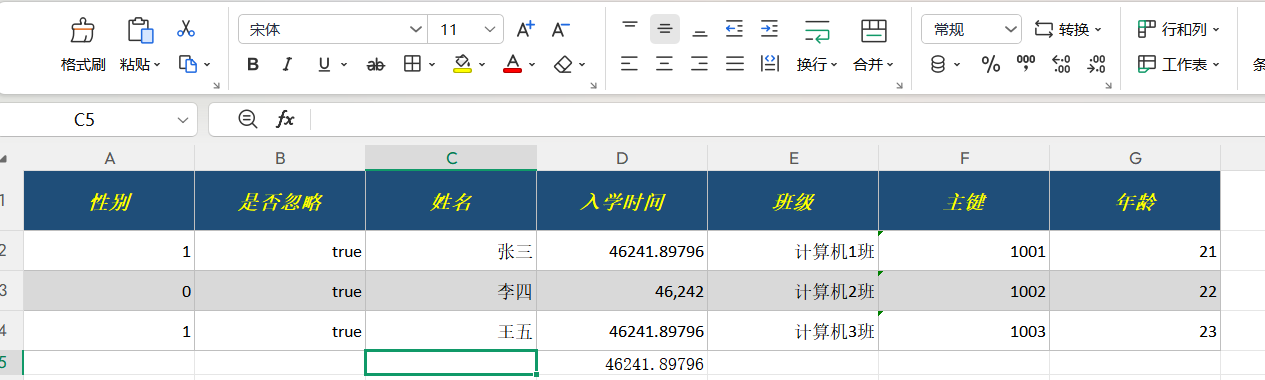
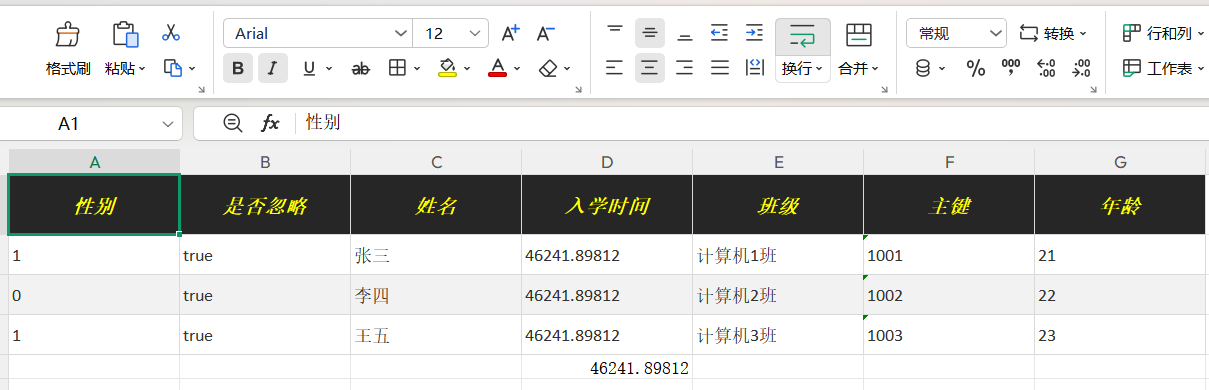
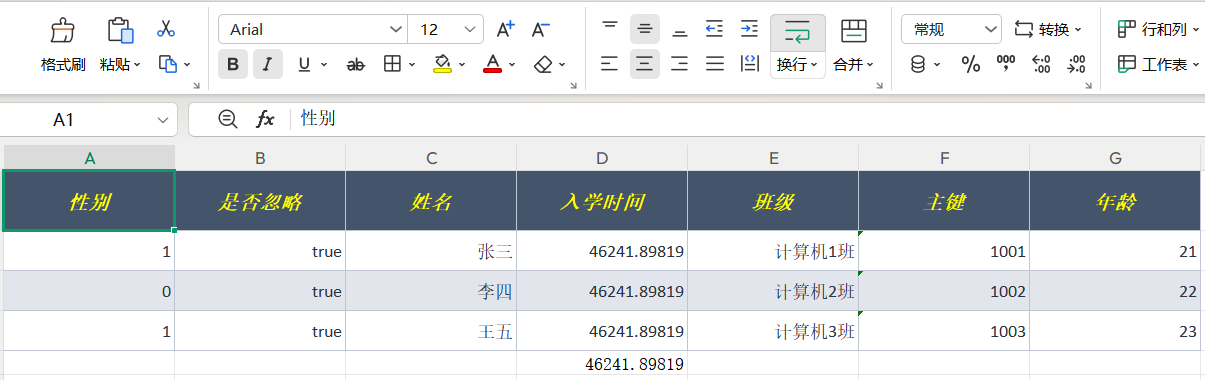
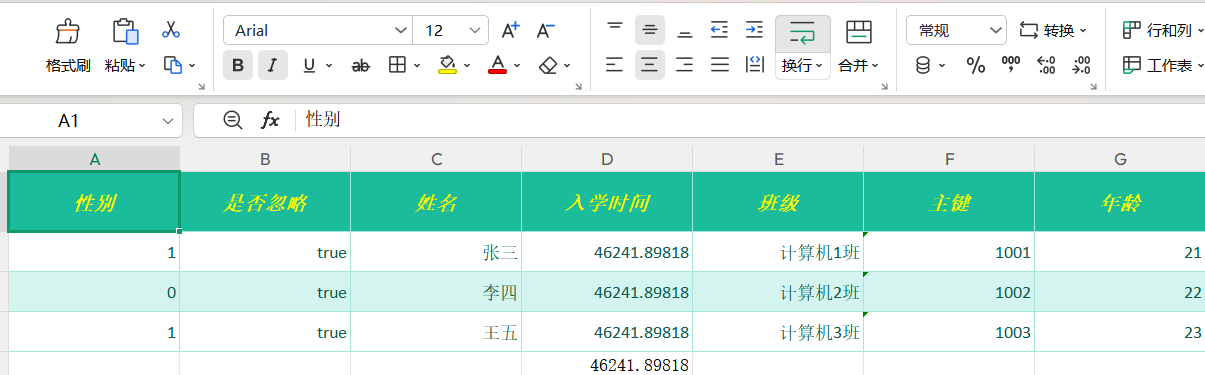
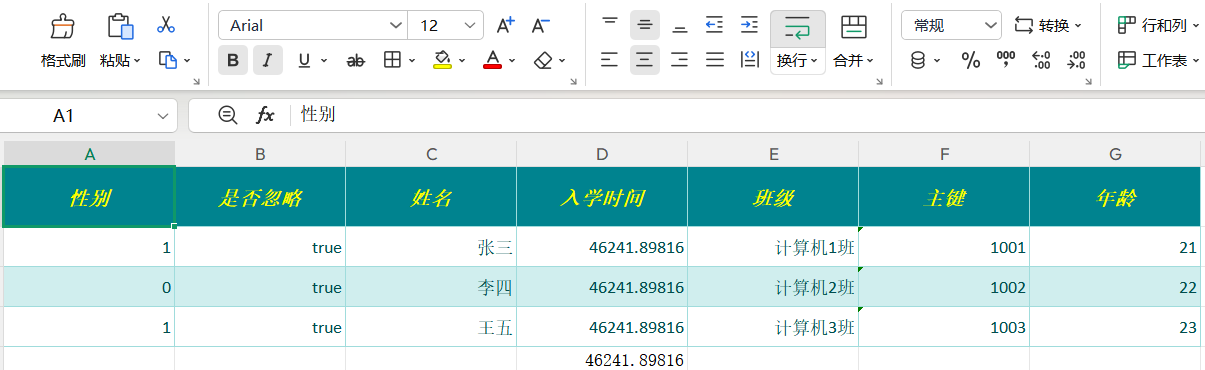
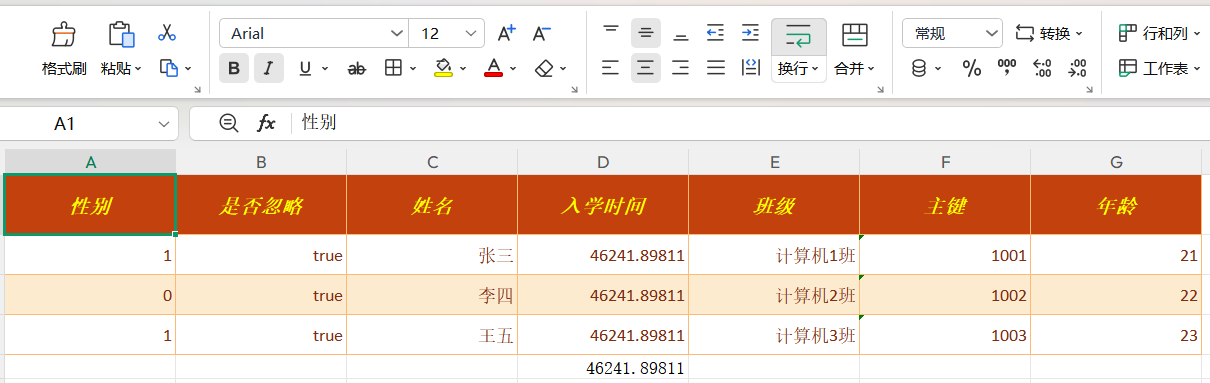
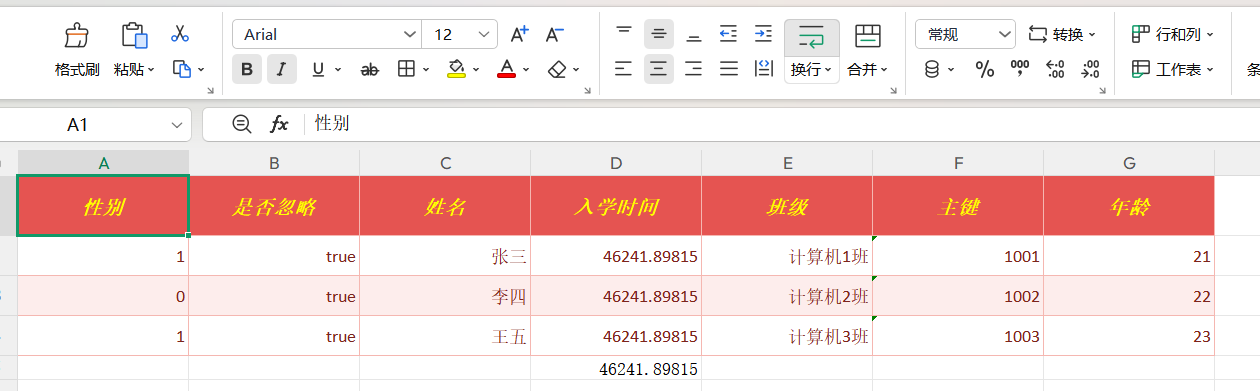
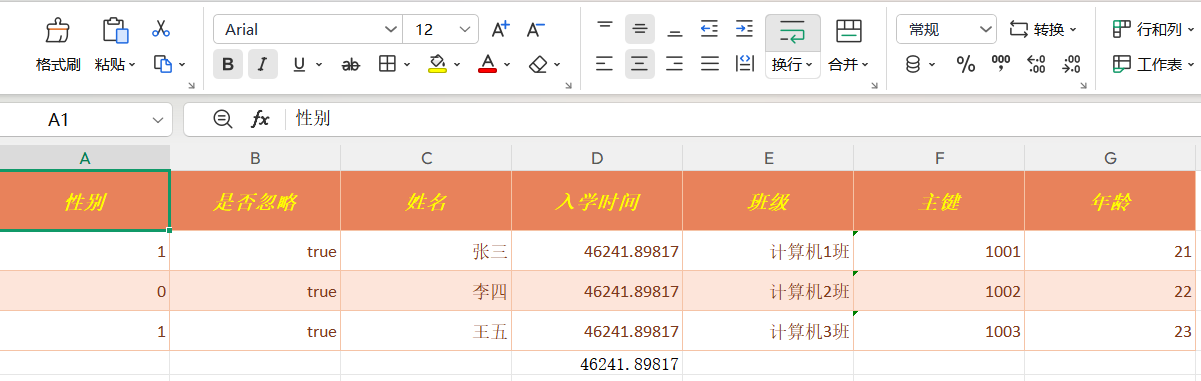
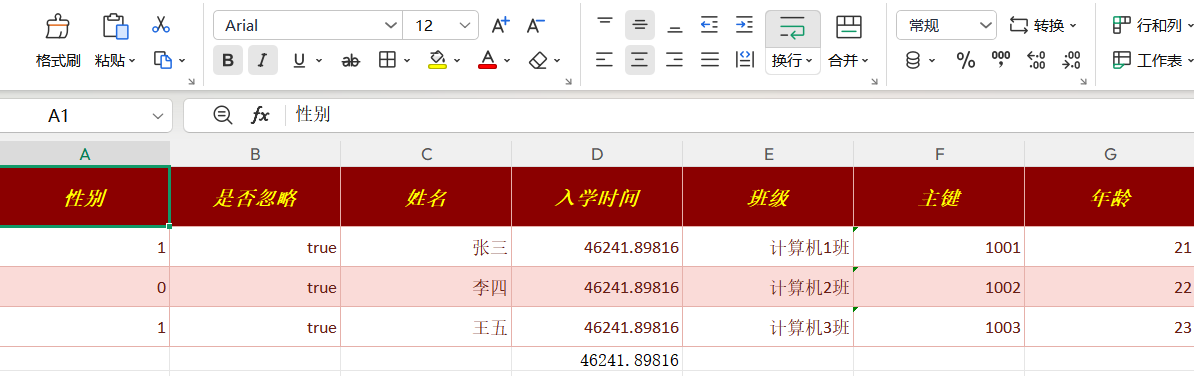
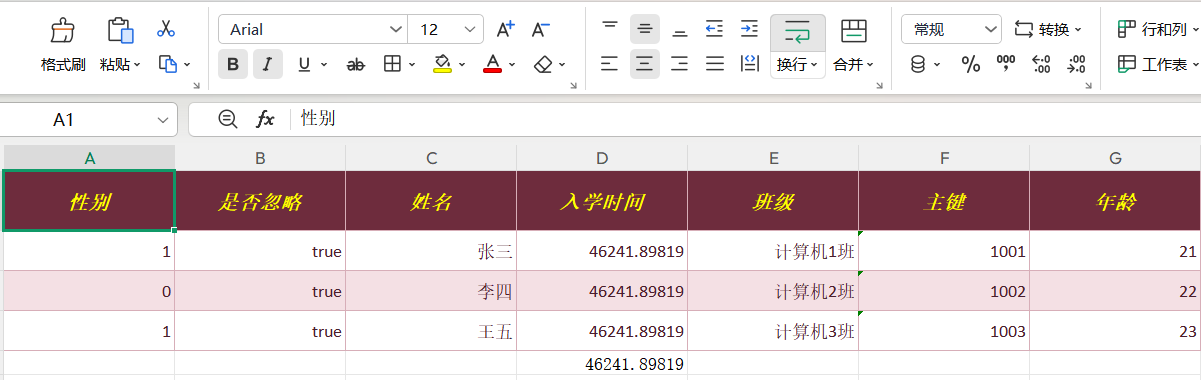
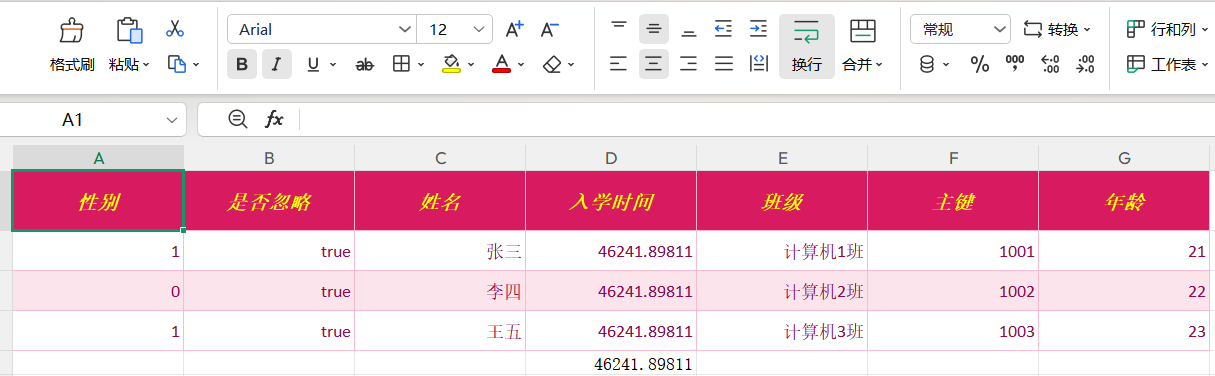
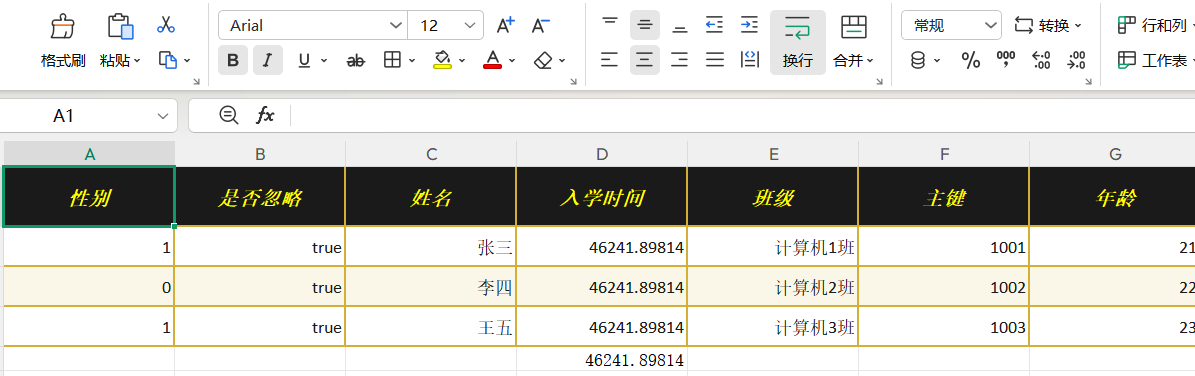
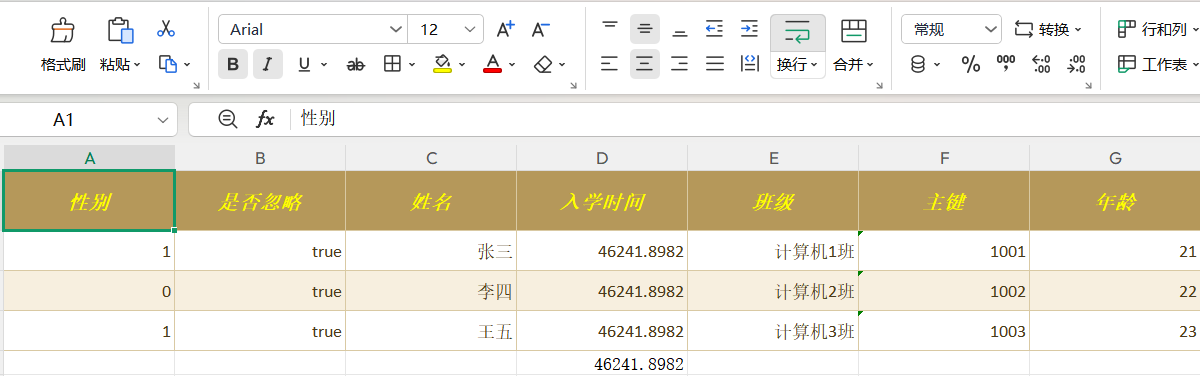
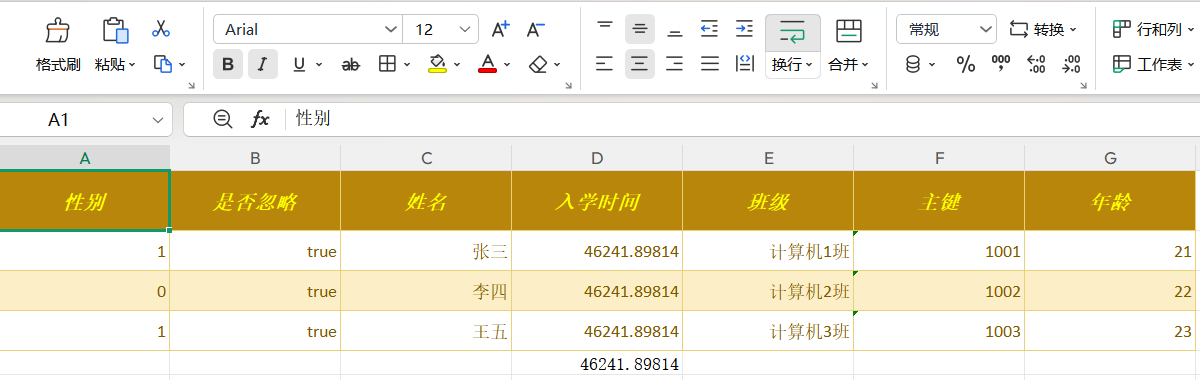
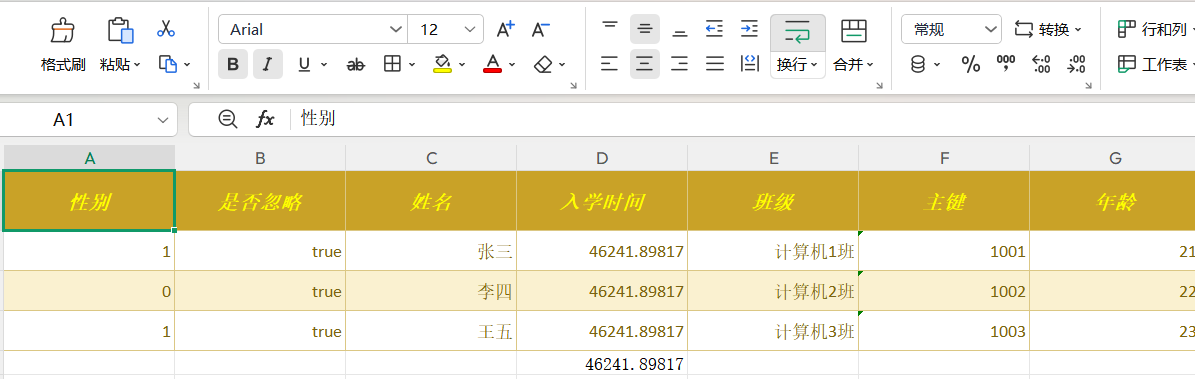
Beyond the declarative parameters, JQuick-Excel ships 42 built-in export templates (themes). Each theme uniformly controls the colors, fonts and border styles of the header row, odd/even zebra-striped data rows, the large title row, formula cells and the footer. Theme codes are defined by the enum com.github.paohaijiao.theme.enums.JExcelThemeType. Themes are an export-only capability; imports are not affected.
Themes are not set through a DSL keyword. Instead, after the rules are parsed and before the export handler is created, specify the theme in one of the following two ways.
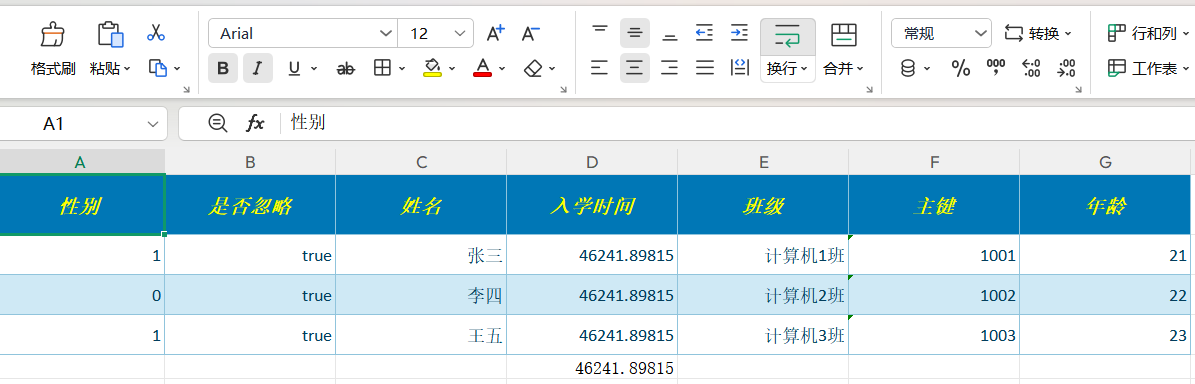
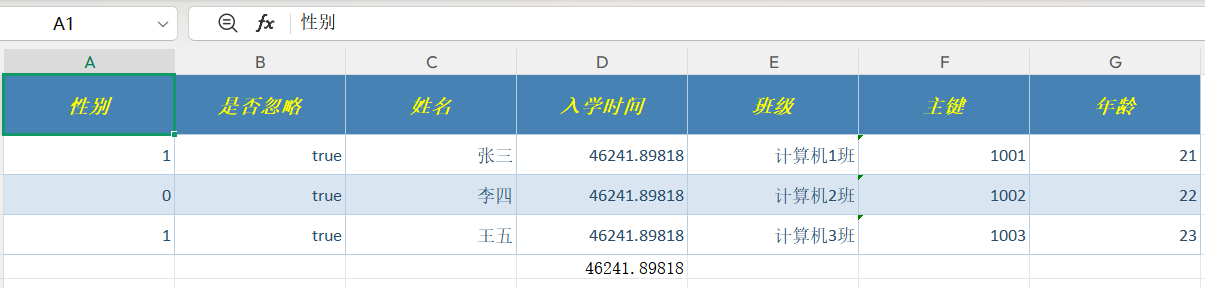
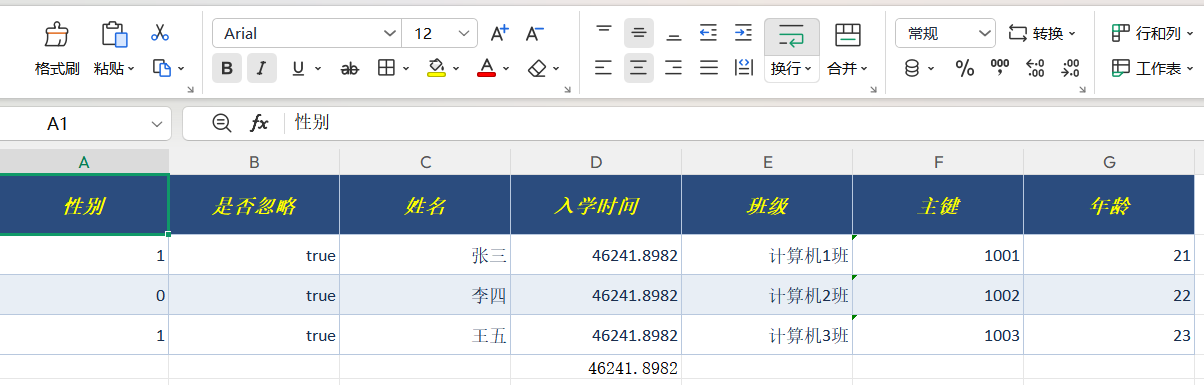
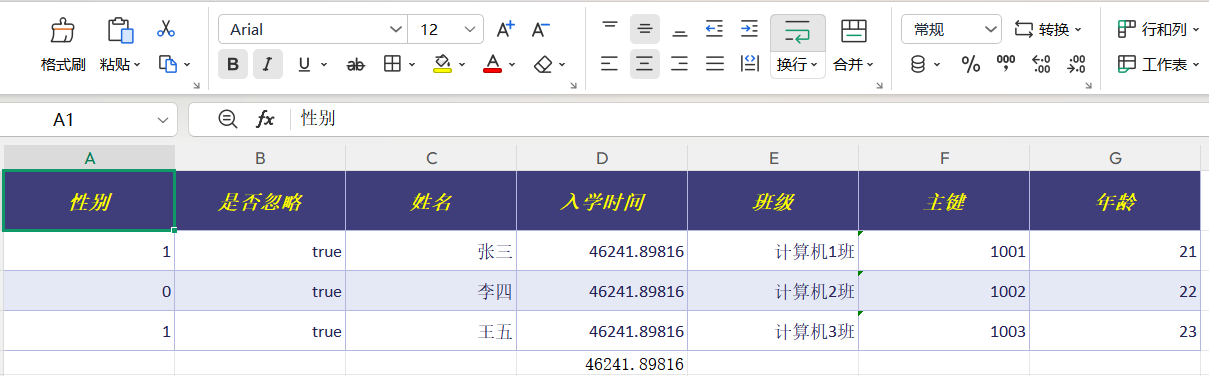
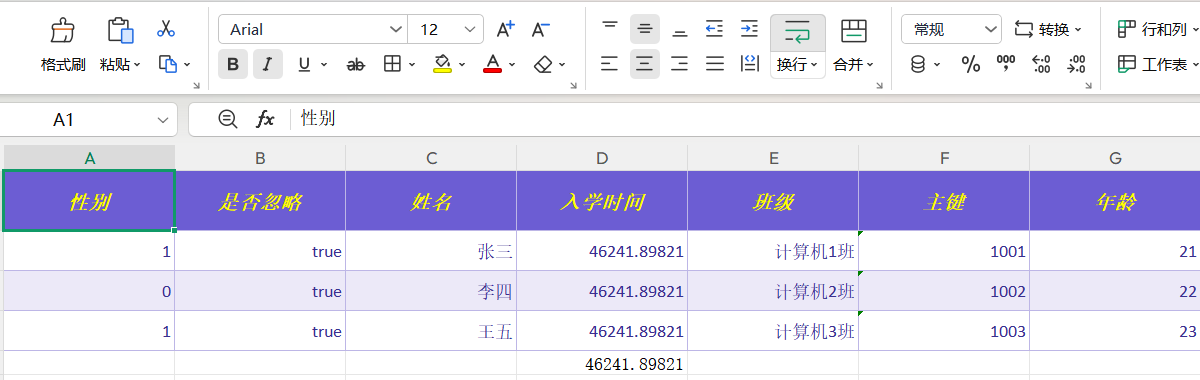
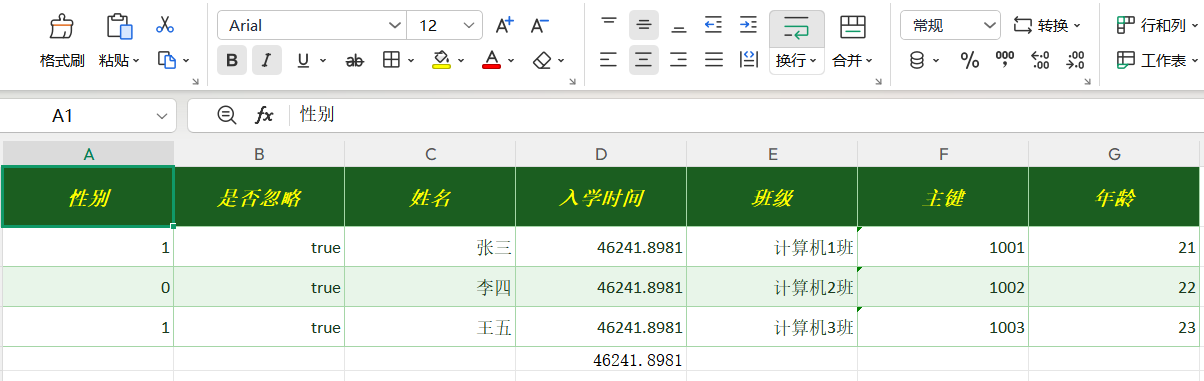
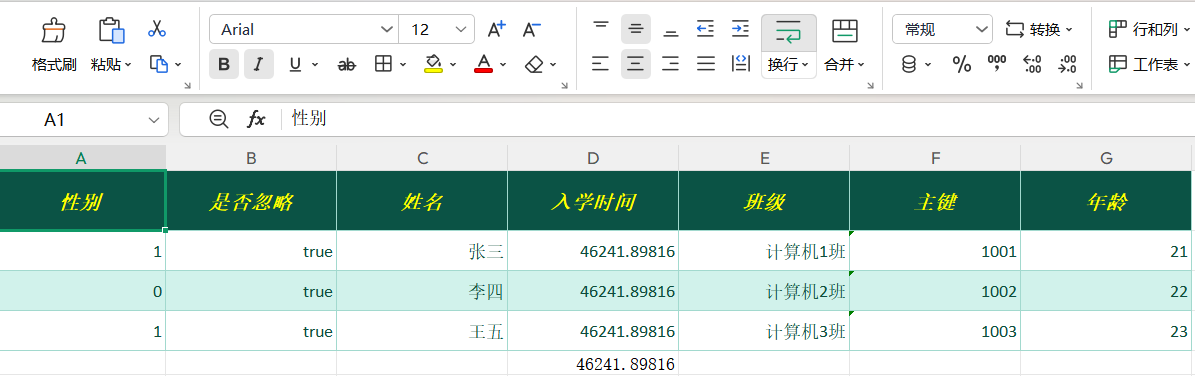
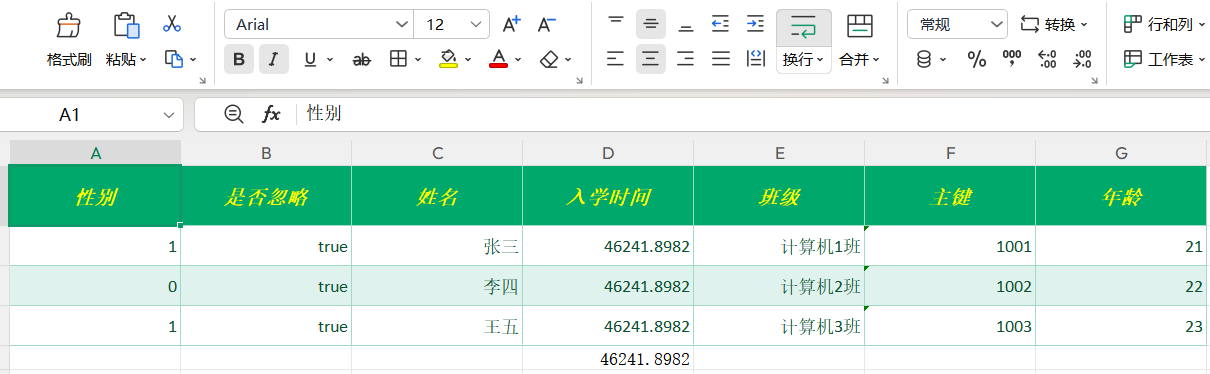
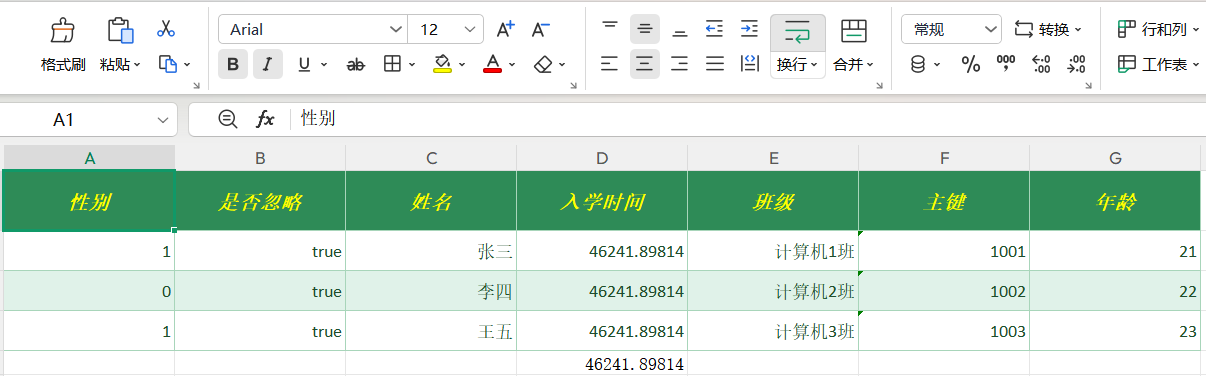
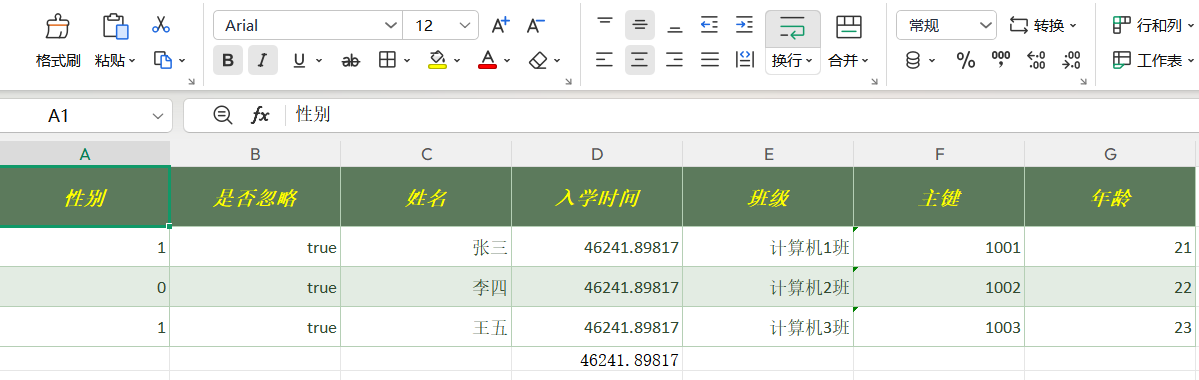
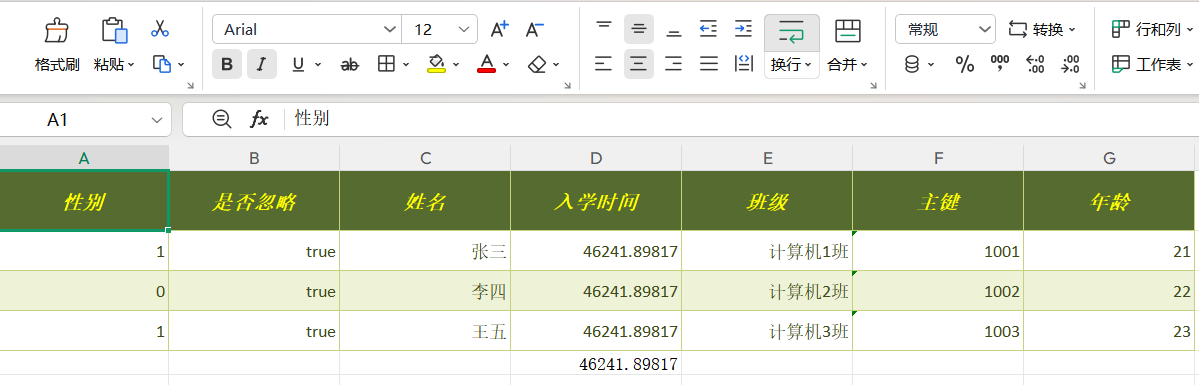
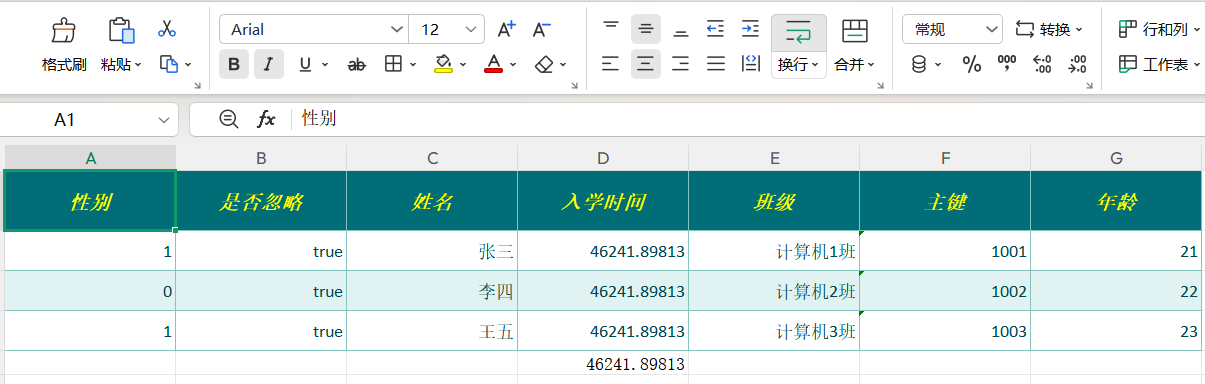
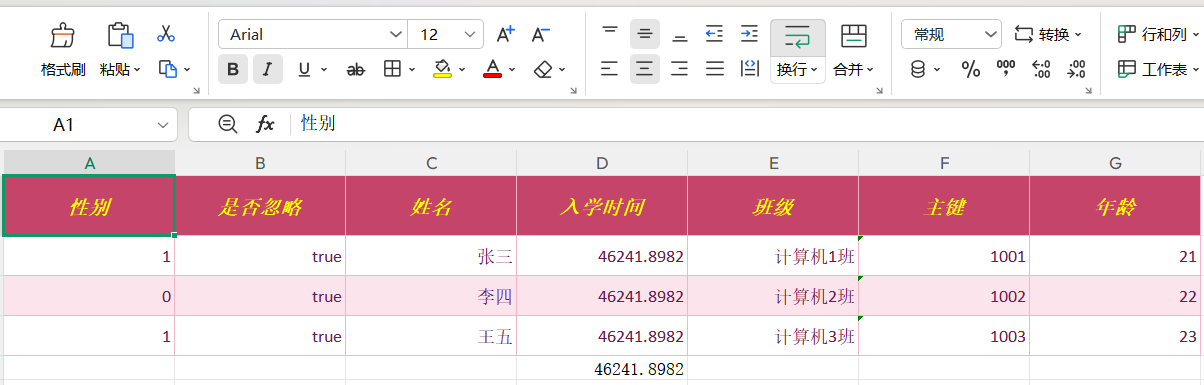
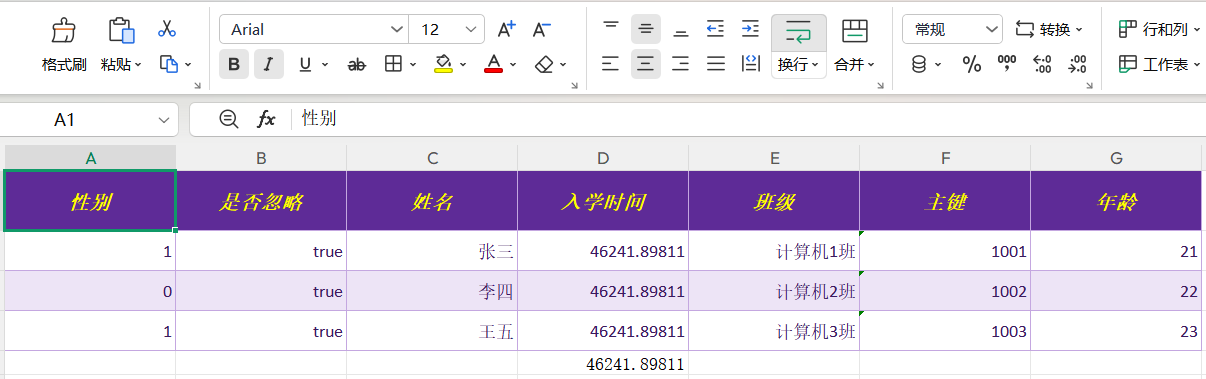
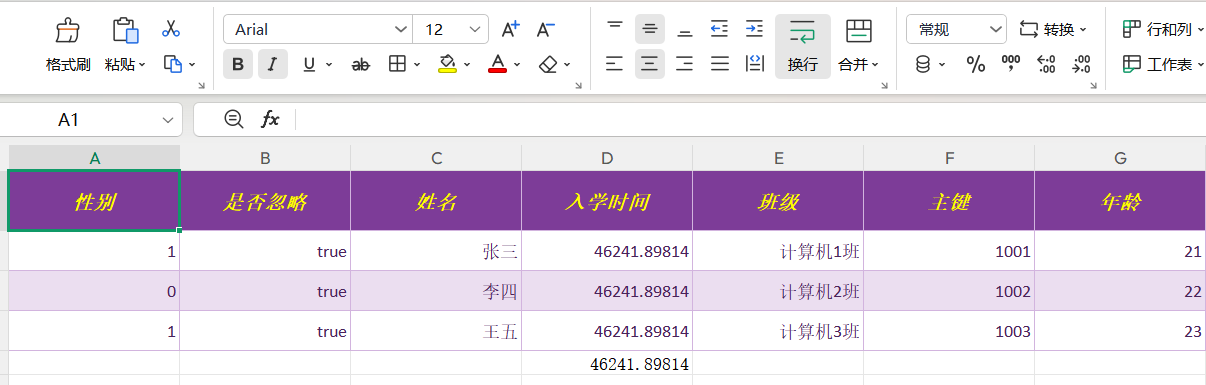
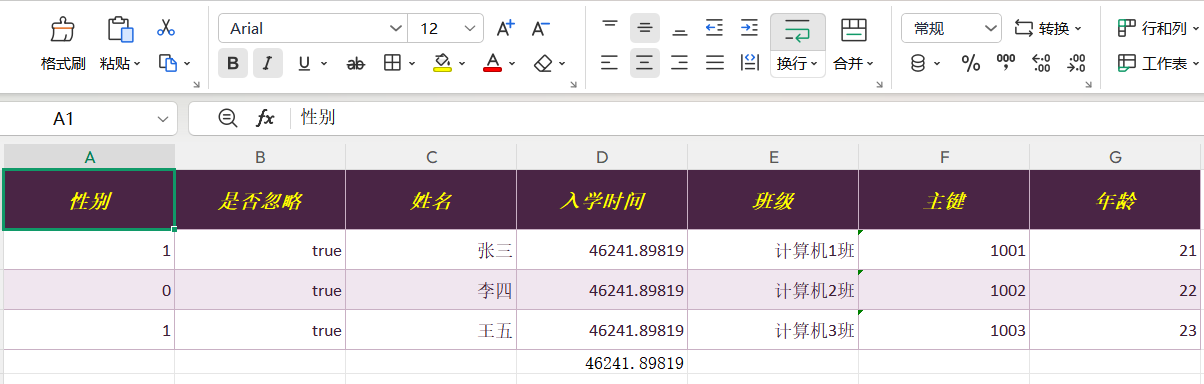
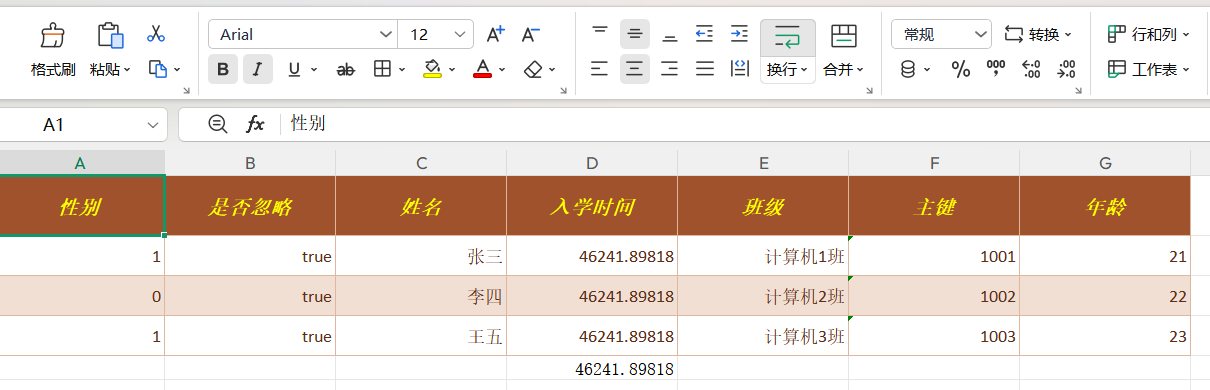
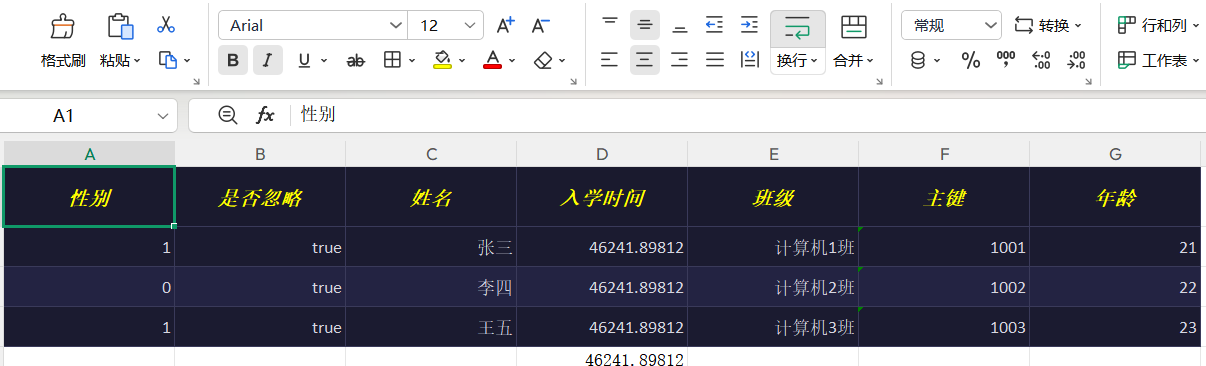
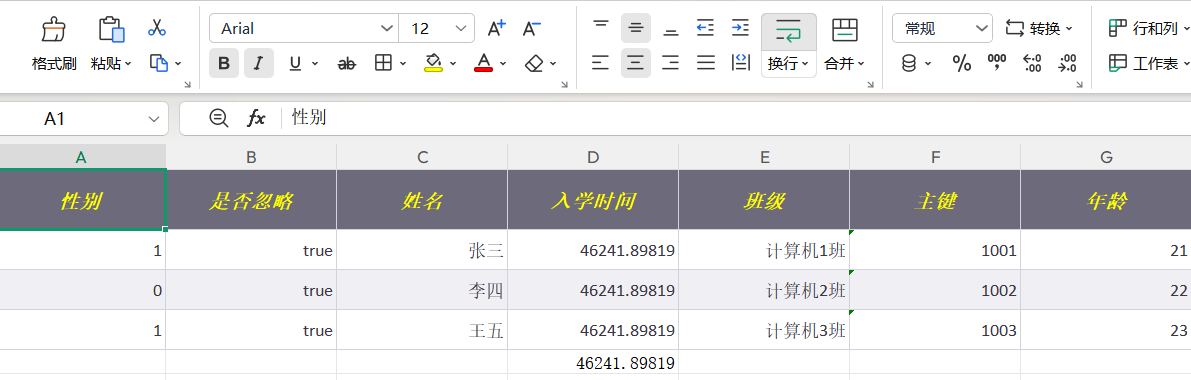
The following tables show the actual export result of the 42 themes grouped by color family. Each row provides the theme code, theme name and preview image for direct comparison and selection.
The following examples use the unified XML definition style. Each example provides the corresponding jquick-excel.xml definition and complete Java code.
The framework does not depend on Spring, so in Spring Boot simply use the response stream (HttpServletResponse.getOutputStream()) as the export target:
Export data can be written to any OutputStream: use FileOutputStream for local files and the corresponding target’s output stream in other scenarios. See the “Minimal export example” earlier in this document for a complete example; the core code is as follows:
JQuickExcelImportXmlParseFactory directly accepts an InputStream from any source, such as a classpath resource, a network stream or an uploaded file stream:
For large-file imports, the batch reading capability of JExcelImportHandler is recommended: consume in fixed batch sizes to avoid holding all rows at once:
The export target can be any OutputStream: an HTTP response stream, ByteArrayOutputStream, an object-storage upload stream, etc. The stream passed into the factory is closed by the caller; try-with-resources is recommended:
The README does not provide an item-by-item comparison table against EasyExcel or raw POI. The following are only facts confirmable at the code level:
JQuick-Excel is a wrapper on top of Apache POI; it does not change POI’s workbook model, and both normal writes and SXSSF streaming writes are provided by POI.
JQuick-Excel’s main addition is XML service definitions + declarative DSL: worksheet selection, header mapping, value conversion, validation, formulas, styling, merging, charts and footers are all described centrally as parameters.
The framework does not provide a listener mode; large-file imports are consumed through batch reading.
The framework does not mandate Spring; service proxies created through the factory can be used in any Java program.
Beyond the facts above, the README currently provides no item-by-item capability comparison.
1. Where should the XML definition file be placed?
On the classpath (the resources directory). Pass the file name as a parameter when creating JQuickXmlFactory, for example new JQuickXmlFactory(parser, "jquick-excel.xml").
2. Can the keywords and punctuation in the DSL be rewritten?
No. Keywords such as IMPORT, EXPORT and WITH, as well as braces, colons, commas and the range syntax, must be preserved exactly; otherwise parsing will fail.
3. How do I avoid excessive memory usage during high-row-count exports?
By default JQuickExcelConfig allows automatic switching to SXSSF streaming writes when the data volume reaches 5000 rows, keeping 100 rows in memory by default; adjust as needed.
4. How do I import a large file?
Use JExcelImportHandler.importDataInBatch(model, pageSize, consumer) to consume in batches; the recommended batch threshold in the configuration defaults to 20000 rows.
5. Why is JContext needed?
External values referenced as ${key} in TRANSFORM expressions (data dictionaries, for example) are provided through JContext; ${field} reads the current row’s field values.
6. Is there a limit on the number of cell styles?
POI imposes a cell style count limit. The framework enables style caching by default to reuse styles; keeping cellStyleCacheEnabled=true is recommended.
7. What is the difference between TRANSFORM functions and FORMULAS formulas?
TRANSFORM functions are Java expressions evaluated directly during import/export; FORMULAS writes Excel formulas calculated when the file is opened by spreadsheet software. Even identically named ones are not interchangeable.
8. What should I watch out for with chart data?
Each series’ DATA array should correspond one-to-one with CATEGORIES (aligned lengths); otherwise chart categories and data will be misaligned.
9. Do streams need to be closed manually?
Yes. Input streams and output streams are provided and closed by the caller; try-with-resources is recommended.
10. How do I use the built-in export themes?
You can pass a theme code when creating the export parse factory (for example new JQuickExcelExportXmlParseFactory("jade", context, rows, output)); the framework ships 42 built-in themes. When no theme is passed, the default style is used.
The following are limitations confirmable from the code and README:
The current version does not provide a listener mode and does not provide global converter registration; value conversion is accomplished through the DSL TRANSFORM parameter plus the optional SPI function dependency.
Proxy mode relies on the XML definition file on the classpath; the XML <excel name> must match the service interface method name, and namespace must match the service interface’s fully qualified name.
When importing through the XML proxy, if an IO exception occurs during execution, the exception is caught and logged, and the method ultimately returns an empty collection.
The 248 TRANSFORM functions provided by jquick-transform-function are available only after that dependency is explicitly introduced.
Worksheet indexes use 1-based counting; when a target worksheet specified by name does not exist, it is created automatically.
Only the xls and xlsx workbook formats are supported.
All demos come from the project's unit tests (the biz package in the repository). Each demo ships as a triple: Java test class + JQuick XML config + exported xlsx artifact — copy and run to reproduce.
MERGE group blocks with SUBTOTAL/TOTAL rows: each group column merges into one vertical block, every group closes with a subtotal and the report ends with a grand total.
Expense detail for each department, with a subtotal row after every department and a grand total row at the end. Java only groups and pre-processes the rows; all statistics and layout are declared in XML.
Sales by city listed under each region, with a subtotal row after every region and a grand total row at the end; the region-name column is vertically merged to visually group the cities of the same region into one block. Java only groups and pre-processes the rows; all statistics and layout are declared in XML.
One outbound order listing multiple product detail rows, computing Amount = Quantity × Unit Price, with a total row at the end. Implemented declaratively in pure XML — no Java business code required.
Reimbursement detail rows computing Reimbursable Amount = Amount - Self-Paid Amount, with a total row at the end. Implemented declaratively in pure XML — no Java business code required.
Fixed assets grouped in two levels (Asset Category → Asset Name), computing Original Value = Quantity × Unit Price and Net Value = Original Value - Accumulated Depreciation per row; a subtotal row follows each asset category and a grand total for all categories appears at the end; the asset-category column is vertically merged into one block. Java only groups and pre-processes the rows; all statistics and layout are declared in XML.
Projects scheduled by phase, computing Duration (in days) = End Date - Start Date per row, with a duration subtotal row after each phase and a total duration and overall average completion rate in the last row; the phase-name column is vertically merged into one block. Java only groups and pre-processes the rows; all statistics and layout are declared in XML.
Groups employee expense reimbursement detail by department, with an amount subtotal row after each department and a grand total row at the end; the department-name column is vertically merged into one block. Java only groups and pre-processes the rows; all statistics and layout are declared in XML.
Groups count results by warehouse, computing Variance Quantity = Physical Count - Book Quantity and Variance Amount = Variance Quantity × Unit Price per row, with a variance subtotal row after each warehouse and a grand total row at the end; the warehouse-name column is vertically merged into one block. Java only groups and pre-processes the rows; all statistics and layout are declared in XML.
Groups purchase-supply detail by supplier, computing Supply Amount = Supply Quantity × Unit Price per row, with an amount subtotal row after each supplier and a grand total row at the end; the supplier-name column is vertically merged into one block. Java only groups and pre-processes the rows; all statistics and layout are declared in XML.
Groups monthly reconciliation by supplier, computing Variance Amount = Our Payable - Supplier Reconciliation per row, with a variance subtotal row after each supplier and a grand total row at the end; the supplier-name column is vertically merged into one block. Java only groups and pre-processes the rows; all statistics and layout are declared in XML.
Groups members' work hours by project, computing Labor Cost = Hours × Rate per row, with a labor-cost subtotal row after each project and a grand total for all projects in the last row; the project-name column is vertically merged into one block. Java only groups and pre-processes the rows; all statistics and layout are declared in XML.
Groups the annual budget and actual spending of each expense account by department, computing Budget Balance = Budget - Actual and Execution Rate = Actual / Budget per row, with a subtotal row after each department and a company-wide total in the last row; the department-name column is vertically merged into one block, and the execution rate of over-budget accounts is marked in red. Java only groups and pre-processes the rows; all statistics and layout are declared in XML.
Groups receivables and collections by aging period per customer, computing Outstanding Balance = Receivable Amount - Received Amount per row, with a balance subtotal row after each customer and a grand total for all customers in the last row; the customer-name column is vertically merged into one block, and details overdue by more than 90 days are marked in red in the overdue-days column. Java only groups and pre-processes the rows; all statistics and layout are declared in XML.
Counts fixed assets by using department, computing Surplus / Shortage = Physical Count - Book Quantity per row, with a quantity subtotal row after each department and a company-wide total in the last row; the department-name column is vertically merged into one block, and shortage details (negative variance) are marked in red. Java only groups and pre-processes the rows; all statistics and layout are declared in XML.
Groups after-sales work orders by service engineer, computing Service Fee = Service Duration × On-site Visit Rate per row, with a service-fee subtotal row after each engineer and a grand total for all work orders in the last row; the engineer column is vertically merged into one block. Java only groups and pre-processes the rows; all statistics and layout are declared in XML.
Groups the incurred amounts of each cost account by project, with a cost subtotal row after each project and a grand total for all projects in the last row; the project-name column is vertically merged into one block. Java only groups and pre-processes the rows; all statistics and layout are declared in XML.
Groups the day's sales amount and transaction count by category per store, with a subtotal row after each store and a grand total for all stores in the last row; the store-name column is vertically merged into one block. Java only groups and pre-processes the rows; all statistics and layout are declared in XML.
Groups the platform settlement amount and our book amount by month per platform, computing Difference = Platform Settlement - Our Books per row, with a subtotal row after each platform and a grand total for all platforms in the last row; the platform-name column is vertically merged into one block. Java only groups and pre-processes the rows; all statistics and layout are declared in XML.
Groups each contract's amount and fulfilled amount by contract type, computing Fulfillment Rate = Fulfilled / Contract Amount per row, with a subtotal row after each contract type and a grand total for all contracts in the last row; the contract-type column is vertically merged into one block. Java only groups and pre-processes the rows; all statistics and layout are declared in XML.
Groups each bin's inventory quantity and unit cost by warehouse, computing Inventory Amount = Quantity × Unit Cost per row, with a subtotal row after each warehouse and a grand total for all warehouses in the last row; the warehouse-name column is vertically merged into one block. Java only groups and pre-processes the rows; all statistics and layout are declared in XML.
Groups budget and actual in two levels (Expense Category → Expense Detail), computing Variance = Actual - Budget and Execution Rate = Actual / Budget per row; a subtotal row follows each expense category and a grand total for all categories appears in the last row; the expense-category column is vertically merged into one block. Java only groups and pre-processes the rows; all statistics and layout are declared in XML.
Groups office-supply requisitions in two levels (Requisitioning Department → Supply Name), computing Amount = Quantity × Unit Price per row; a subtotal row follows each department and a grand total for all departments appears in the last row; the requisitioning-department column is vertically merged into one block. Java only groups and pre-processes the rows; all statistics and layout are declared in XML.
Groups slow-moving materials in two levels (Warehouse → Material), computing Slow-Moving Amount = Inventory Quantity × Unit Price per row; a subtotal row follows each warehouse and a grand total for all warehouses appears in the last row; the warehouse column is vertically merged into one block. Java only groups and pre-processes the rows; all statistics and layout are declared in XML.
Lists each store's Q1-Q4 sales grouped by region, with the region-name column vertically merged into one block to visually group the stores of the same region. Java only groups and pre-processes the rows; all statistics and layout are declared in XML.
FORMULAS — inline expressions and aggregate functions such as Quantity × Unit Price or Balance = Receivable − Received, with SUM totals on the last row.
Daily sales detail, computing Amount = Quantity × Unit Price per row with a total row at the end. Implemented declaratively in pure XML — no Java business code required.
Records cash inflows and outflows across operating, investing and financing activities, computing Net = Inflow - Outflow per row with a total at the end. Implemented declaratively in pure XML — no Java business code required.
Material inbound count, outbound count, ending inventory and inventory age, computing Turnover Rate = Outbound Count / Ending Inventory per row. Implemented declaratively in pure XML — no Java business code required.
Annual transaction amounts and contribution shares for A/B/C-tier customers, with a total row at the end. Implemented declaratively in pure XML — no Java business code required.
Ranking of the top N products by sales volume, showing the sales share per row with a total row at the end. Implemented declaratively in pure XML — no Java business code required.
Records performance, ability and attitude scores per employee, computes a weighted overall score and gives the average of each dimension at the end; for employees with a low overall score and a rating of "Needs Improvement", the rating cell is marked in red font. Implemented declaratively in pure XML — no Java business code required.
Registers input VAT invoices obtained from purchases, computing Tax Amount = Amount Excl. Tax × Tax Rate and Total Incl. Tax = Amount Excl. Tax + Tax Amount per row, with the last row summarizing the amount excl. tax, tax amount and total incl. tax. Implemented declaratively in pure XML — no Java business code required.
Registers notes receivable / payable held by the company, computing Bill Term (in days) = Maturity Date - Issue Date per row, with a summary of the face amount in the last row. Implemented declaratively in pure XML — no Java business code required.
An employee-record roster maintained by HR, registering employee ID, name, department, position, hire date and salary standard, computing Annual Salary = Monthly Salary × 12 per row, with the last row summarizing total monthly and annual salary. Implemented declaratively in pure XML — no Java business code required.
After a business trip, employees register transportation, accommodation and allowance per itinerary leg, computing Subtotal = Transportation + Accommodation + Allowance per row, with the last row summarizing each expense item and the total reimbursement. Implemented declaratively in pure XML — no Java business code required.
Calculates annual and monthly depreciation of fixed assets using the straight-line method, computing Annual Depreciation = Original Value × (1 - Residual Rate) / Useful Life and Monthly Depreciation = Annual Depreciation / 12 per row, with the last row summarizing original value, annual depreciation and monthly depreciation. Implemented declaratively in pure XML — no Java business code required.
Tallies employee attendance by month, computing Leave Days = Expected Attendance - Actual Attendance and Attendance Rate = Actual Attendance / Expected Attendance per row, with the last row summarizing expected attendance, actual attendance, leave days and overtime hours and giving the overall attendance rate. Implemented declaratively in pure XML — no Java business code required.
Registers employee training records, logging course, training date, credit hours and assessment score per row, with records that failed the assessment marked in red and the last row summarizing total credit hours and average score. Implemented declaratively in pure XML — no Java business code required.
Compares supplier quotes with the internal benchmark price per material, computing Price Difference = Quote - Benchmark and Price Difference Rate = Price Difference / Benchmark per row, with quotes above the benchmark marked in red and the last row giving the average price and average price difference rate. Implemented declaratively in pure XML — no Java business code required.
Registers product detail per order, computing Amount = Quantity × Unit Price per row, with the last row summarizing shipped quantity and order amount, suitable for direct overlay printing as a shipping note. Implemented declaratively in pure XML — no Java business code required.
Measures inventory write-down item by item at period end, computing Book Cost = Quantity × Unit Cost and Write-Down Provision = Book Cost - Net Realizable Value per row, with a summary in the last row and the inventory with the highest write-down amount marked in red. Implemented declaratively in pure XML — no Java business code required.
Registers the specification, quantity and unit price of requisitioned materials item by item, computing Amount = Requisitioned Quantity × Unit Price, with the last row summarizing the total requisitioned quantity and total amount. Implemented declaratively in pure XML — no Java business code required.
Compares bids from multiple tenderers, computing the composite score as Technical Score × 70% + Performance Score × 30%, with the last row giving the average quote and average composite score and the highest-quoting tenderer marked in red. Implemented declaratively in pure XML — no Java business code required.
The warehouse registers receipt detail for arriving purchases, computing Receipt Amount = Received Quantity × Purchase Unit Price per row, with a total summarized in the last row. Implemented declaratively in pure XML — no Java business code required.
Registers customer complaint tickets, with the last row giving the average handling days and the handling days of overdue complaints marked in red. Implemented declaratively in pure XML — no Java business code required.
Registers the products featured per livestream session, computing Sales Amount = Sales Quantity × Unit Price and Commission = Sales Amount × Commission Rate per row, with the last row summarizing sales amount and commission. Implemented declaratively in pure XML — no Java business code required.
Registers the sales quantity and unit price of a single product by month, computing Sales Amount = Quantity × Unit Price per row and the Month-over-Month Growth Rate = (Current Sales - Previous Sales) / Previous Sales month by month, with the last row summarizing quantity and sales amount. Implemented declaratively in pure XML — no Java business code required.
Registers materials by return detail, computing Return Amount = Return Quantity × Unit Price per row, with the last row summarizing return quantity and return amount. Implemented declaratively in pure XML — no Java business code required.
Registers three scores (Schedule Achievement / Quality / Cost Control) per R&D project, computing a weighted composite score (Schedule × 0.4 + Quality × 0.35 + Cost × 0.25) per row, with the last row giving the average composite score; the low-scoring project (lowest composite score) is marked in red. Implemented declaratively in pure XML — no Java business code required.
Registers approved supplier profiles (code / name / category / years of cooperation / contact / phone / annual supply amount / rating), with the last row totaling the annual supply amount. Implemented declaratively in pure XML — no Java business code required.
Registers venue fee / catering fee / accommodation fee per meeting, computing Total Amount = Venue Fee + Catering Fee + Accommodation Fee per row, with the last row summarizing each expense item and the total; the meeting with the highest cost is marked in red. Implemented declaratively in pure XML — no Java business code required.
Registers the specification, quantity and unit price of each accepted asset, computing Amount = Quantity × Unit Price, with the last row summarizing the total accepted quantity and total amount. Implemented declaratively in pure XML — no Java business code required.
Registers goal-completion, work-quality and teamwork scores per department, computing a weighted Composite Score = Completion Score × 0.5 + Quality Score × 0.3 + Teamwork Score × 0.2, with the last row giving the average of each item and the average composite score; the department with the lowest composite score is marked in red. Implemented declaratively in pure XML — no Java business code required.
Registers the days and daily allowance standard for each business-trip record, computing Total Allowance = Trip Days × Daily Allowance Standard + Transportation Allowance, with the last row summarizing days, transportation allowance and total allowance. Implemented declaratively in pure XML — no Java business code required.
Registers sales and cost per product, computing Gross Profit = Sales - Cost, Gross Margin = Gross Profit / Sales and Contribution Share = Gross Profit / Total Gross Profit, with the last row summarizing sales, cost and gross profit; the product with the lowest gross margin is marked in red. Implemented declaratively in pure XML — no Java business code required.
Registers return quantity and amount per return reason, computing Quantity Share = This Reason's Return Quantity / Total Return Quantity, with the last row summarizing return quantity, amount and share; the reason with the highest share is marked in red. Implemented declaratively in pure XML — no Java business code required.
Records receivables, receipts, outstanding balance and aging days per customer, computing Outstanding Balance = Receivable - Received and the outstanding share per row, with a total row at the end; cells of abnormal customers whose aging is excessive are marked in red font to flag priority collection. Implemented declaratively in pure XML — no Java business code required.
Compares budget and actual by expense account, computing Variance = Actual - Budget and Variance Rate = Variance / Budget per row, with a total row at the end; the conclusion cell of accounts concluded as "Over Budget" is marked in red font. Implemented declaratively in pure XML — no Java business code required.
Registers output VAT invoices issued to customers, computing Tax Amount = Amount Excl. Tax × Tax Rate and Total Incl. Tax = Amount Excl. Tax + Tax Amount per row, with a summary in the last row; the invoice-status cell of voided invoices is marked in red, warning that they cannot be counted toward the current period's output. Implemented declaratively in pure XML — no Java business code required.
Analyzes VAT burden by quarter, computing VAT Payable = Output Tax - Input Tax and Tax Burden Rate = VAT Payable / Sales Revenue per row, with a summary in the last row; the tax-burden-rate cell of the quarter with the highest burden is marked in red to flag close attention. Implemented declaratively in pure XML — no Java business code required.
The QC department registers sampled quantity and defect quantity by batch, computing Defect Rate = Defect Quantity / Sampled Quantity per row, with the last row summarizing sampled total, defect total and overall defect rate; cells of batches exceeding the defect-rate limit are marked in red to flag a nonconforming verdict. Implemented declaratively in pure XML — no Java business code required.
Layers inventory by age range, tallying the number of material types, inventory amount and amount share for each range, with a summary in the last row; the cell of the range with the longest age is marked in red to flag slow-moving inventory risk. Implemented declaratively in pure XML — no Java business code required.
Tracks the shipping fulfillment of sales orders, computing Unshipped Amount = Order Amount - Shipped Amount and Fulfillment Rate = Shipped Amount / Order Amount per row, with a summary in the last row; the fulfillment-rate cell of orders not yet shipped is marked in red. Implemented declaratively in pure XML — no Java business code required.
Compares current inventory with safety stock per material, computing Inventory Variance = Current Inventory - Safety Stock per row, where a negative variance reaches the alert threshold, and the last row summarizes the two inventory quantity columns and gives the total variance. Implemented declaratively in pure XML — no Java business code required.
Analyzes credit limit usage per customer, computing Available Limit = Credit Limit - Used Limit and Limit Utilization = Used Limit / Credit Limit per row, with the utilization of customers over their limit marked in red as an alert, and the last row giving the overall utilization. Implemented declaratively in pure XML — no Java business code required.
Tallies inspection results by product, computing Defect Rate = Defective Quantity / Inspected Quantity and Quality Cost = Defective Quantity × Rework Cost per Unit per row, with products exceeding the defect-rate limit marked in red as an alert and the last row giving the overall defect rate. Implemented declaratively in pure XML — no Java business code required.
Computes target achievement per salesperson, calculating Achievement Rate = Actual Sales / Sales Target and Commission Amount = Actual Sales × Commission Rate per row, with the achievement rate of salespeople who missed their target marked in red and the last row giving the overall achievement rate. Implemented declaratively in pure XML — no Java business code required.
Tracks planned and completed quantity per production work order, computing Completion Rate = Completed Quantity / Planned Quantity per row, with the completion rate of overdue, unfinished work orders marked in red and the last row giving the overall completion rate. Implemented declaratively in pure XML — no Java business code required.
Registers bank acceptance bills held by the company, using SUM in the last row to total the face amount, with the remaining days of overdue bills marked in red. Implemented declaratively in pure XML — no Java business code required.
Registers customer visit records, with the last row summarizing total visit duration, and customers in "To Follow Up" status marked in red. Implemented declaratively in pure XML — no Java business code required.
Registers gross salary, social insurance and housing fund, and personal income tax monthly, computing Net Salary = Gross - Social Insurance and Housing Fund - Income Tax per row, with the last row summarizing each column and the highest income-tax payer marked in red. Implemented declaratively in pure XML — no Java business code required.
Tallies availability rate, performance rate and quality rate per piece of equipment, computing OEE = the product of the three per row, with the last row giving the average OEE and equipment below the benchmark marked in red. Implemented declaratively in pure XML — no Java business code required.
Registers receivables and receipts for property fees / water charges / electricity charges by unit number, computing Overdue Amount = Receivable - Received per row, with the last row summarizing receivable, received and overdue amounts; the overdue amount of delinquent households is marked in red. Implemented declaratively in pure XML — no Java business code required.
Registers planned quantity and actual output per production work order, computing Achievement Rate = Actual Output / Planned Quantity per row, with the last row giving the average achievement rate and the achievement rate of unmet work orders marked in red. Implemented declaratively in pure XML — no Java business code required.
Registers the quarterly sales target and actual sales by region, computing Target Variance = Actual - Target and Achievement Rate = Actual / Target per row, with the last row giving an all-region summary; regions that missed target are marked in red. Implemented declaratively in pure XML — no Java business code required.
Registers submitted quantity and nonconforming quantity by incoming batch, computing Nonconformance Rate = Nonconforming Quantity / Submitted Quantity per row, with the last row giving the summary quantity and overall nonconformance rate; batches exceeding the nonconformance-rate limit are marked in red. Implemented declaratively in pure XML — no Java business code required.
Registers planned and actual hours per milestone, computing Hour Variance = Planned - Actual and Hour Achievement Rate = Planned / Actual, with the last row summarizing total planned hours, total actual hours, total variance and the overall achievement rate; the milestone with the lowest achievement rate is marked in red. Implemented declaratively in pure XML — no Java business code required.
Registers sales and cost per store, computing Gross Profit = Sales - Cost, Gross Margin = Gross Profit / Sales and Sales Share = Store Sales / Total Sales, with the last row summarizing sales, cost, gross profit and the overall gross margin; the store with the lowest gross margin is marked in red. Implemented declaratively in pure XML — no Java business code required.
Registers sampled quantity and defect quantity by inspection batch, computing Defect Rate = Defect Quantity / Sampled Quantity per row, with the last row summarizing total sampled quantity, total defect quantity and the overall defect rate; batches exceeding the defect-rate limit are marked in red. Implemented declaratively in pure XML — no Java business code required.
Compares book quantity and physical count per material, computing Variance Quantity = Physical Count - Book Quantity and Variance Rate = Variance / Book Quantity, with the last row summarizing total book quantity, total physical count, total variance and the overall variance rate; the material with the most severe shortage is marked in red. Implemented declaratively in pure XML — no Java business code required.
Compares Our Payable with the counterparty's receivable per supplier, computing Difference = Our Payable - Counterparty Receivable, with the last row summarizing both amounts and the total difference; suppliers with a difference are marked in red. Implemented declaratively in pure XML — no Java business code required.
Splits receivables aging by customer (within 30 days / 31-60 days / over 61 days), computing Overdue Amount = 31-60 days + over 61 days and Overdue Share = Overdue Amount / Receivable Amount, with the last row summarizing each aging bucket and the overall overdue share; the customer with the highest overdue share is marked in red. Implemented declaratively in pure XML — no Java business code required.
Compares budget and actual spending per expense item, computing Variance Amount = Budget - Actual and Variance Rate = Variance / Budget, with the last row summarizing budget, actual and total variance; the most over-budget item is marked in red. Implemented declaratively in pure XML — no Java business code required.
Registers planned output and daily capacity per production line, computing Required Days = Planned Output / Daily Capacity and Planned Input Hours = Required Days × 8, with the last row summarizing planned output and input hours; the product with the longest schedule is marked in red. Implemented declaratively in pure XML — no Java business code required.
Registers sales volume and complaint count per product, computing Complaint Rate = Complaint Count / Sales Volume and Severe Complaint Share = Severe Complaints / Complaint Count, with the last row summarizing sales volume, complaint count, severe complaint count and the overall complaint rate; the product with the highest complaint rate is marked in red. Implemented declaratively in pure XML — no Java business code required.
Registers sales quantity and return quantity per product, computing Return Amount = Return Quantity × Unit Price and Return Rate = Return Quantity / Sales Quantity, with the last row summarizing sales volume, return quantity and return amount; the product with the highest return rate is marked in red. Implemented declaratively in pure XML — no Java business code required.
Registers current-period and prior-period amounts per income-statement item, computing YoY Growth Amount = Current Period - Prior Period and YoY Growth Rate = YoY Growth Amount / Prior Period Amount, with the last row summarizing both periods' amounts and giving the overall growth; the item with the lowest growth rate is marked in red. Implemented declaratively in pure XML — no Java business code required.
Registers the contract amount and completion progress per engineering milestone, computing Progress Payment Due = Contract Amount × Completion Progress and Unpaid Amount = Progress Payment Due - Paid Amount, with the last row summarizing contract, due and paid amounts and giving the total unpaid; the milestone with the largest unpaid amount is marked in red. Implemented declaratively in pure XML — no Java business code required.
Registers the sales target and actual performance per salesperson, computing Completion Rate = Actual Performance / Sales Target, with the last row summarizing target and performance and giving the overall completion rate; the salesperson with the lowest completion rate is marked in red. Implemented declaratively in pure XML — no Java business code required.
Account transactions record debits and credits line by line and roll the balance forward (Balance = Previous Row Balance + Credit - Debit), with a total row at the end; includes a balance-trend line chart. Exported as a multi-sheet workbook (Bank Statement Reconciliation / Balance Trend). Implemented declaratively in pure XML — no Java business code required.
Q1-Q4 sales for four products, computing the full-year total at each row's end and summarizing by quarter in the last row; includes a column chart comparing each product's quarterly trend. Exported as a multi-sheet workbook (Product Quarterly Sales / Product Quarterly Sales Chart). Implemented declaratively in pure XML — no Java business code required.
Budget and actual expenses compared per department, computing the variance (Actual - Budget) at each row's end and summarizing in the last row; includes a 3-D bar chart comparing budget vs. actual. Exported as a multi-sheet workbook (Department Expense Comparison / Department Expense Comparison Chart). Implemented declaratively in pure XML — no Java business code required.
Registers opening balance / inbound / outbound by month, rolling the closing balance forward (Closing = Opening + Inbound - Outbound) with a summary in the last row; includes a 3-D area chart showing the inventory trend. All statistics and charts are declared in XML. Exported as a multi-sheet workbook (Inventory Level Trend / Inventory Level Trend Chart). Implemented declaratively in pure XML — no Java business code required.
Advertising spend and sales for each store, computing the return ratio (Sales / Advertising Spend) at each row's end and summarizing in the last row; includes a scatter chart showing the relationship between spend and output. All statistics and charts are declared in XML. Exported as a multi-sheet workbook (Advertising ROI Analysis / Advertising ROI Scatter Chart). Implemented declaratively in pure XML — no Java business code required.
Scores for three employees across four dimensions (Technical / Communication / Collaboration / Execution), computing each person's average in the last row; includes a radar chart showing the competency profile. All statistics and charts are declared in XML. Exported as a multi-sheet workbook (Employee Competency Assessment / Employee Competency Radar Chart). Implemented declaratively in pure XML — no Java business code required.
A sales matrix for three products across January-March, summarizing by month in the last row; includes a surface chart showing the two-dimensional (Product × Month) distribution. Exported as a multi-sheet workbook (Monthly Sales Matrix / Monthly Sales Surface Chart). Implemented declaratively in pure XML — no Java business code required.
Purchase order rows computing Amount = Quantity × Unit Price, then Tax-Inclusive Amount by tax rate, with a total row at the end; a FOOTER generates one line at the bottom of the document for the preparer / reviewer signature note. Implemented declaratively in pure XML — no Java business code required.
Employee-submitted information (employee ID / name / department / age / hire date / monthly salary / email / mobile), with average age and total monthly salary in the last row; each submitted field is validated on import. Java only groups and pre-processes the rows; all statistics and layout are declared in XML.
Registers the inspector and operating parameters for each piece of equipment, with the last row summarizing total operating hours; submitted content is rule-validated on import (ID / name length, operating hours as an integer and within range, temperature ceiling, conclusion dictionary). Implemented declaratively in pure XML — no Java business code required.
Summarizes employee leave requests, with the last row totaling the total leave days; submitted content is rule-validated on import (employee ID / name length, department and leave-type dictionaries, leave-days value range). Implemented declaratively in pure XML — no Java business code required.
Summarizes supplemented customer profiles (code / name / type / credit rating / contact / phone / annual purchase amount / status), with the last row totaling the annual purchase amount; submitted content is rule-validated on import. Implemented declaratively in pure XML — no Java business code required.
In the employee master data, gender / department / status are stored as internal code values and are converted to Chinese via a dictionary on export. Implemented declaratively in pure XML — no Java business code required.
On export of the customer ledger, the contact's name is masked (keeping the first character), and the customer level is converted from an internal code into a customer segment via a dictionary. Implemented declaratively in pure XML — no Java business code required.
In training assessment, scores are converted to grades (≥90 A, ≥80 B, ≥60 C, otherwise D), and the assessment date is normalized. Implemented declaratively in pure XML — no Java business code required.